
I have adapted Skyrim cave interiors to work for Morrowind caves. So far I have only done this for the mold caves.
Originally I was trying to do ALL the work myself by replacing Morrowind models in an automated 1 to 1 way. However the results were that there wasn't enough variation, models repeated too often.
So it's far better if level designers insert the new tileset pieces in manually, giving it a touch of randomness and nothing beats the human eye when it comes to constructing.
The main thing is that Morrowind models were perfectly symmetrical. They are turned upside down and left and right, and it didn't matter.

Where as these models are completely unsymmetrical, hence why they are more realistic. Better level design leans towards making environments look more like entropy has taken effect. There are also more design choices, with a lot of them having cracks and holes, that can let in light or just be a creepy thing to look through.

I have replaced a few of the pieces so that level designers have a base to line up models with and also save a little bit time. But I wanted to keep it open to picking which pieces to insert so that a bit more creativity is put into the construction of the caves.
I have replaced all the corner models in the game, so this is the type of thing a level designer will see.

The best thing to do is get familiar with what models you have to choose from. All the form ids are prefixed with ENV3d_DUNG_BETHHAP_MOLD
There are essentially;
Small Corridors meshes\morrowind\dungeons\caves\smallhall\*.*
Small Rooms meshes\morrowind\dungeons\caves\smallroom\*.*
Large Rooms meshes\morrowind\dungeons\caves\largeroom\*.*
Caverns meshes\morrowind\dungeons\caves\cavern\*.*
In this example I've choosen to use the ENV3d_DUNG_BETHHAP_MOLD_caveghallramp02 and ENV3d_DUNG_BETHHAP_MOLD_caveghalldetwist02 to make up the section.
Ignore the horrid textures, they are used to show up top and bottoms and the pink L is to show where its left facing side is. Easy for development purposes, final texturing will come later.

The twist model can be used to make left and right facing models connect.
Use the "Snap to Grid" for most of your work with getting tile pieces into place. If you go into the "Preferences" and Movement you'll see "Snap to Grid" and change that to 64.
The models are not quite as wide as the originals, so some clutter will need to be moved. The large rooms are higher so again moving some objects will be needed.
On the whole you can even build the rooms out a bit to compensate. I did this for one section that had some Kwama eggs and so rather than JUST replacing where models were, I built it out a little bit to compensate. You don't need to be exact when designing, there should be heaps of scope to make each cave slightly unique with a bit of extra effort.
If you look at how Skyrim caves are constructed you can see that the designers have tried to make nothing symmetrical with a lot of effort in adding extra models. Morrowind is very much status quo with the tileset the main construction and added boulders to break up the lines of the walls. We can go MUCH further with this, if you want caves to be exciting, creepy, and generally immersive.
Building rooms is more tricky than the corridors, because only certain pieces will fit together. Its a case of trail and error building everything up so that all the pieces fit with the seam being the right match up.
You'll need to set the Snap to Grid settings to something much smaller as you want the height to match up closely with what is on the ground. For the rooms I set it to 8. It means more work in getting things to line up, but is needed to get the right heights.
I have done Abaesen-Pulu Egg Mine as an example of a completed replacer.

For the Caverns, you'll find that some of them have the roof textures as the floor and vise versa. Once again Morrowind was so symmetrical that Bethesda turned them round both ways. This is fine but these models need to be replaced so that the textures are the right way up. So for each cavern there is a new form ID that is suffixed with "d" to the original. If you find the a floor is green then it needs to be replaced.
Also one of the things you have to do is add door ways so that it is seamless between rooms.

Doors look like this

and its mirror opposite

Plus there are some more with bigger walls for more cavernous entries. So its a case of using the right one to fit in with whatever is joining to the rooms or caves.
.jpg)
These will be available in our next developer release 0.9.1, so if your a long time lurker and been thinking about how you can help, this honestly is probably one of the easiest tasks to do.
If you are a minecraft person, this is should be like a wet dream to you. Building blocks, but you actually get to make something really amazing.
There is no collision on the models yet, so if you want to test in game to see what it looks like, use the command console 'tcl' to turn off collision.
Post in this thread which cave you'll be doing so that we don't double up :)


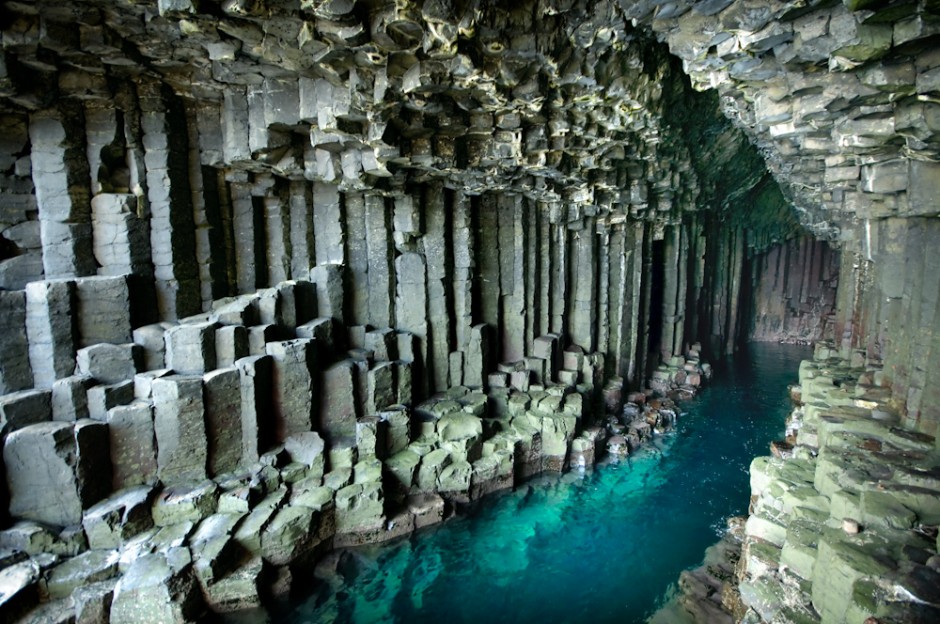
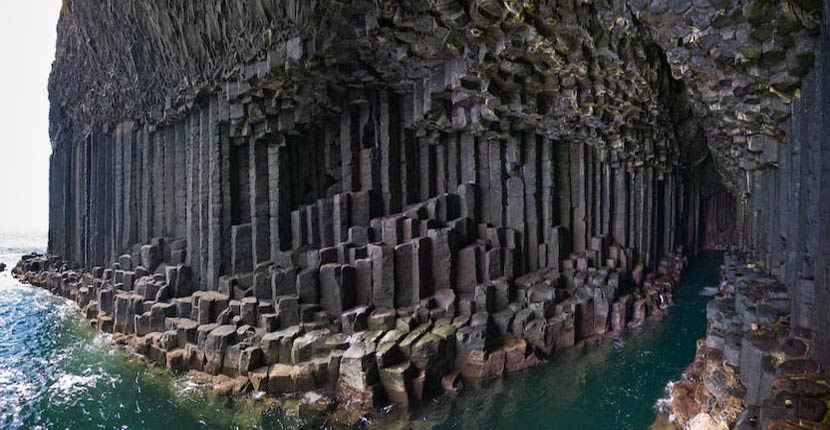
![[External image]](http://upload.wikimedia.org/wikipedia/commons/a/ac/Cave_of_the_winds.jpg)
![[External image]](http://www.smartdestinations.com/blog/wp-content/uploads/2011/06/Thurston_Lava_Tube_1.jpg)
![[External image]](http://upload.wikimedia.org/wikipedia/commons/f/f2/Valentine_Cave.JPG)
![[External image]](http://magickcanoe.com/history/lava-tube.jpg)
Sorry to drop that in, but
Sorry to drop that in, but for me they look like skyrim caves (even worse) and not even close to morrowind caves. Sorry, there is really no morrowind feel at all with these new cave meshes. Also the shape does more look like a chanterelle mushroom... Just my 2 cents. But if I want to see skyrims boring dungeons tiles all over I can just play Skyrim.
I understnad you want to finalize the project fast. But please don't do it on coast of quality, cause these dungeons tiles really are LOW quality! BTW there is a cave near seyda neen which is cluttered with stones and stuff. That looked pretty awesome. I wish more caves would look like this one at the bittercoast.