
| Attachment | Size |
|---|---|
| testcorner01.jpg | 270.28 KB |
| testcorner02.jpg | 68.83 KB |
| testcorner03.jpg | 159.66 KB |
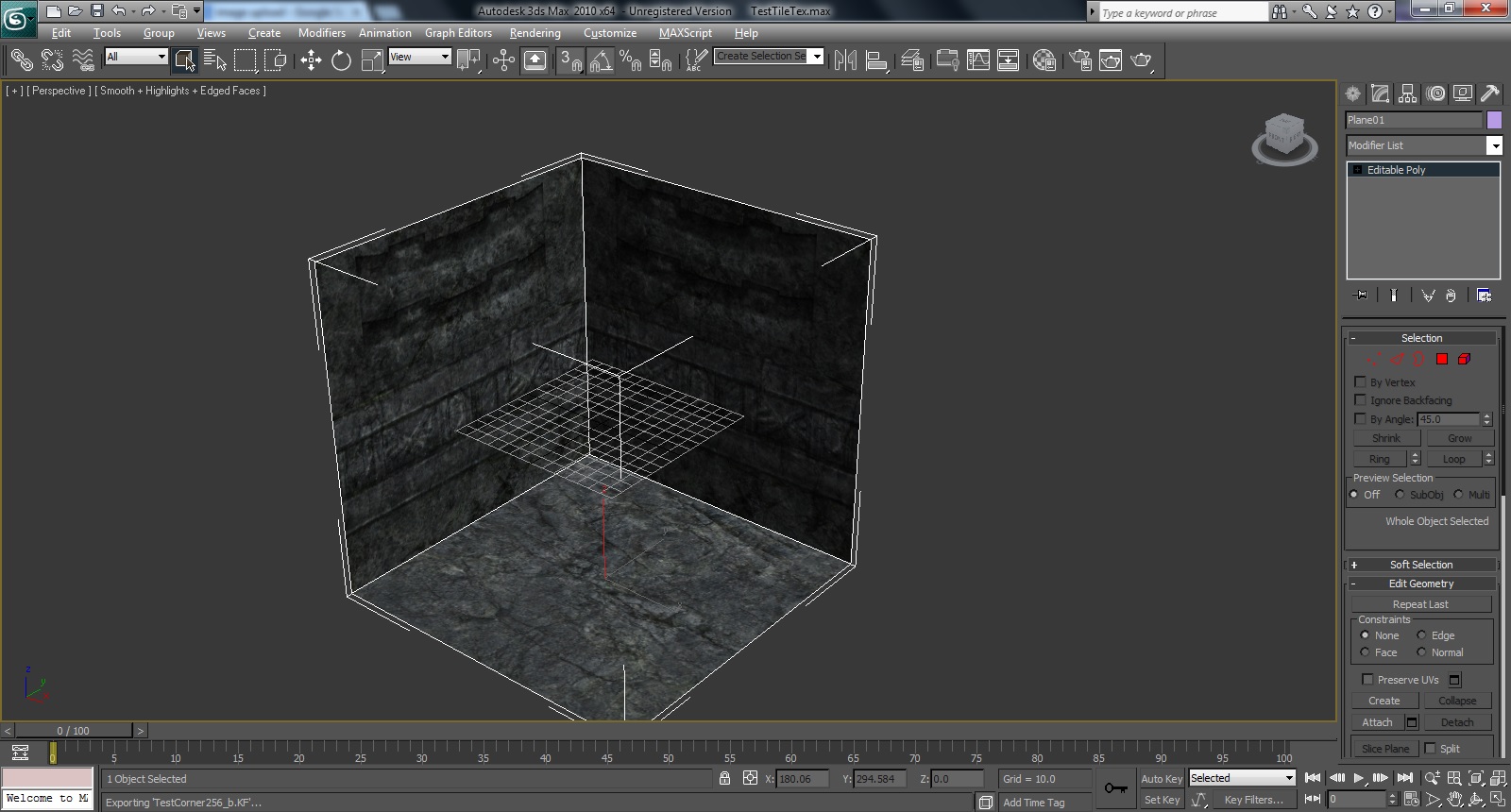
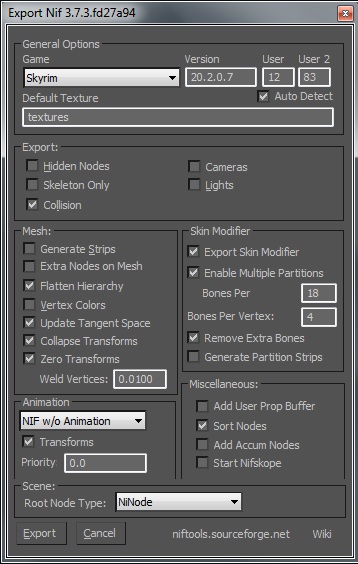
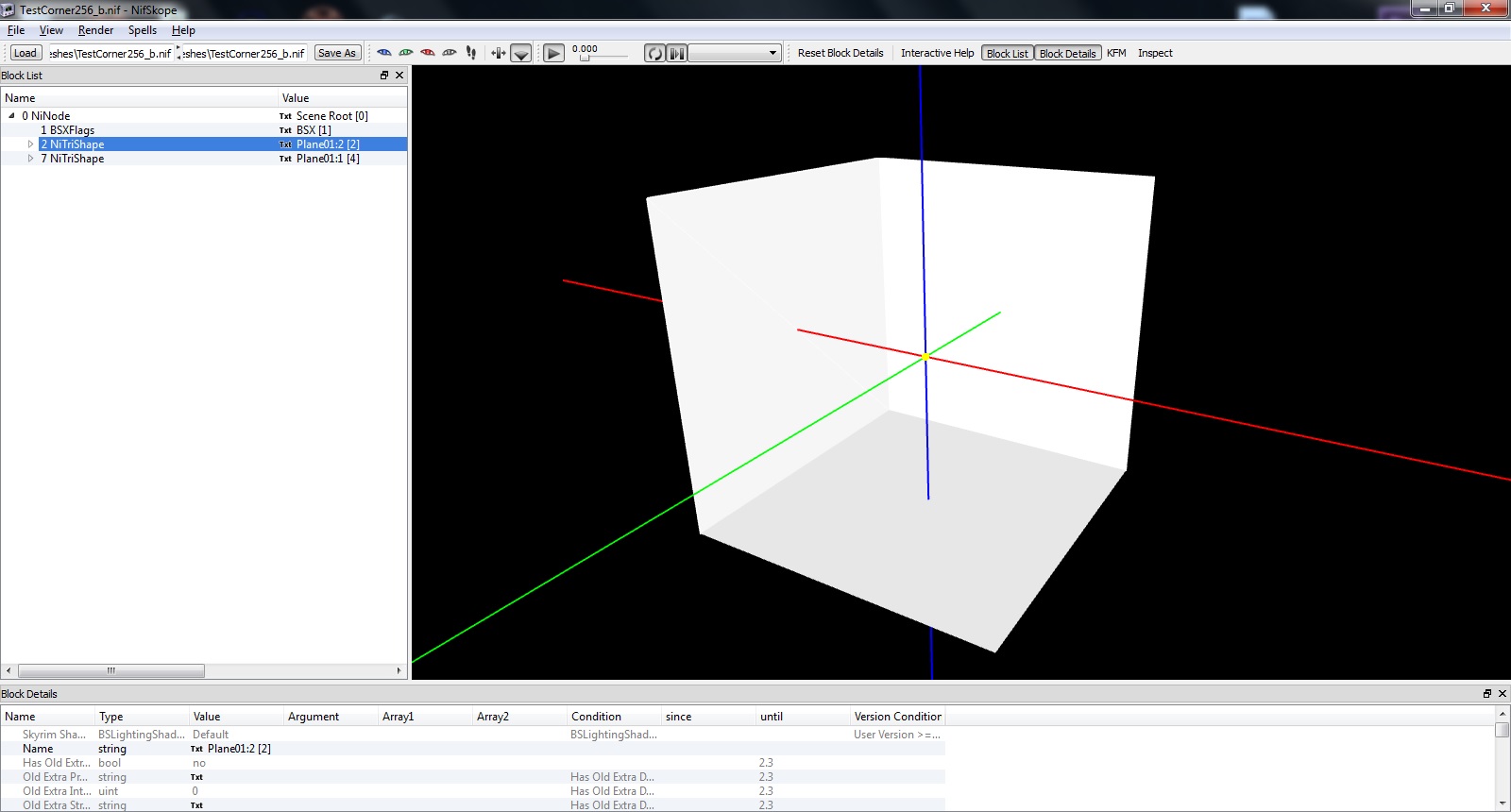
Hi,
I've made a very basic 256 corner tileset piece in Max and textured it with some Skyrim textures (Attached Image 01) When I export it (Img02) to a nif and open in nifskope, no textures appear. I just get a white model (Img03). How do I set up the textures ready for use in the CK.
Btw I used to make meshes a few years ago for Oblivion but i've forgotten how set things up.
Appreciate any help.
Last edited by grumpycat on 8 Dec 2014 - 18:20.
If you use photoshop,
If you use photoshop, download the Nvidia DDS Plugin and save your textures as DDS. Use type DXT1 for regular textures and DXT5 for textures with an alpha.