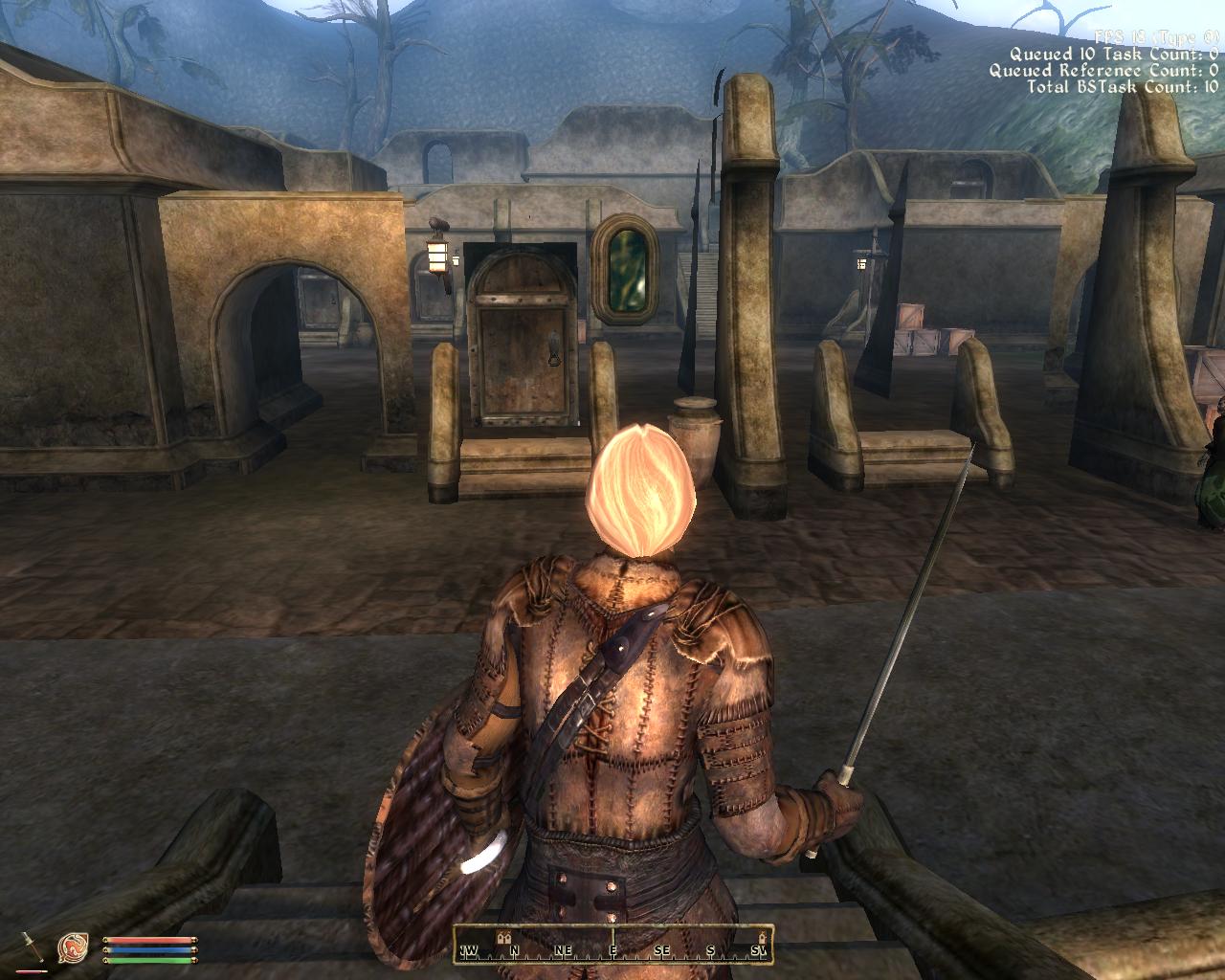
[Relz\WIP] Collision Redone

Submitted by Hashmi1 on

Download Latest Version Here

{Updated: 11 August 2011}


(This version is for those not using any Texture Replacer or those using Hashmi1's Hi-Res Texture Pack. Those Using Eloth's Visual Overhaul please see this thread instead.

As of 11th August 2011, this version contains the following:

-Flora
-Hlaalu Exterior Tileset
-Redoran Exterior Tileset
-Telvanni Exterior Tileset
-Imperial Exterior Tileset (both Town and Fort)
-Exterior Rocks (excluding Solstheim and Mournhold)
- Bonemold Armor (geometry)
- Ingredients


======================================

Description:

This mod includes Morroblivion meshes with their collision\Havok redone with Blender.

The original collision meshes had several errors, were ill-optimized and did not always fit well with the visible geometry; hence being the cause of several issues like:

- General Performance hit compared to Cyrodil.
- Sudden Extrememe Lag when in certain cells, or when near certain objects.
- Being able to fall through the floor in some caves.
- Being unable to pick up or interact with some clutter items ( e.g bread, Dwemer Coherer)
- General Game Instability.


The new collision meshes should hopefully solve most of these issues (when they get done).

Please do test and report any bugs\feedback.

Karma: 0 (0 votes)
Last edited by Hashmi1 on 11 Aug 2011 - 00:31.

Would just like to add, the collision on most plants doesn't actually "collide" with objects ... its only used to detect when the Player has his\her cursor on a plant so that it can be harvested ... like Oblivion and Morrowind, in morroblivion you can walk through most small plants.

Karma: 0 (0 votes)

This is great stuff.

Will these collision meshes be compatibile with any texture/mesh replacers like your hi-res texture pack or eloth's visual overhaul?

Karma: 0 (0 votes)

From what I understand he won't be editing the normal meshes, just their collisions meshes (normal mesh is just for aestetics and to wrap a texture around, the collision mesh is either the same mesh or a simplification by which the pc can deduce what you bump into, never seen one have a texture) so all textures should still work just fine.

I for one have fallen through caves and dungeons numerous times so this project defenetly get's my support.

Karma: 0 (0 votes)

I've had a try in Balmora, and while the difference is difficult to quantify (because the NPC actors aren't always in the same places), I took a couple of videos with tdt enabled and compared them side by side; I reckon that your version was perhaps 1-2 frames faster but like I say it's difficult to be sure. Certainly doesn't hurt the framerate! You really need someone on Windows to test though as they might see a bigger increase. I just used Wrye Bash to install the two sets of files (over the top of Eloth's Visual Overhaul), and it seemed fine. My frame rate is usually shocking... 9 - 15 fps is common in Balmora...

I did see this weirdness though ;)

Karma: 0 (0 votes)

I'm not sure if it has been fixed, most likely with the new release but you ALWAYS fall through the ground near the dead storm atronach inside an interior cell...

Outside, your character and other NPCs jump around spontaneously around the dead atronach

Karma: 0 (0 votes)

I definatly give this project my endorsment, er, support. I've fallen through caves quite a bit just recently. It seems to happen on slopes more then on flat ground. I'll download the new files and check them out. Thanks Hasmi!

haha Didact1. I need to find this party atronach.

Karma: 0 (0 votes)

Hashmi provided a fix for the Storm Atronach in the most recent Support Files 2.
Karma: 0 (0 votes)

@ Thermador: I'll be making seperate packs for Eloth's Visual Overhaul ... I think his meshes need Parallax Mapping enabled.

@HeWhoWatches: Thanks a lot for testing :) For the invisible house can you please tell me where that door leads to so I can know which mesh to look at (there are like 70 of them).


Karma: 0 (0 votes)

Yes, I suppose that would have been helpful, sorry for being a bit vague it's been a hectic week at work and I'm starting to feel like this > :tired:

This appears to be Drarayne Thelas' house (interior cell is BalmoraVSDrarayneSThelasASHouse).

In CS, it looks like the actual object for the house is gone... You should be able to see this in the editor by going to WrldMorrowind > Balmora05 > 0hlaaluUloaddoorUS02

...that should take you straight to the house's door which is still present ;)


Edit: obviously that should read "0hlaaluUloaddoorUS02 where the ownership is 0drarayneSthelas" as there's a few instances of 0hlaaluUloaddoorUS02...

Karma: 0 (0 votes)

It works! I got a MAJOR performance boost in Balmora. Actually game is more smooth there, than inside any Tamriel town.

Karma: 0 (0 votes)

Wow ... thanks.

If  few more people can verify Performance improvement, I'll continue with the other tilesets.

Karma: 0 (0 votes)

Altough it's the first time I've been in Balmora since the grass was removed (I take it that was done in a game update) my lag there is as good as gone.

Seems to work perfectly, Telvanni cities like Sadrith Mora also tend to really mess with my performance, perhaps another good candidate?

Karma: 0 (0 votes)

Alright Telvani Exterior tileset is done and I've also fixed the invisible Hlaalu house.

Download:
http://www.mediafire.com/?ty751jxiiqiqjji

Please test it out and report any issues.

I've been trying to download Eloth's overhaul for sometime now but can't do it. Mediafire doesn't work, Filefactor's speed is extremely low, and the google docs link always expires before I've finished downloading.

Can someone please re-pack the meshes folder from Eloth's overhaul and upload it somewhere so that I can apply the new collision to his meshes.

Karma: 0 (0 votes)

I still haven't tested these yet, but I've gotten excited about the reviews. I'm downloading and will test RIGHT NOW. I could really use a framerate bump. ;)

Thanks Hashmi!

Karma: 0 (0 votes)

Awww darn...

Just beat me to it. Stupid slow UK ADSL upload speed!

If needed: http://www.perceptualmotion.co.uk/download/Eloths_Visual_Overhaul_Meshes.7z

Karma: 0 (0 votes)

I still haven't tested these yet, but I've gotten excited about the reviews. I'm downloading and will test RIGHT NOW. I could really use a framerate bump. Wink

Thanks Hashmi!

The reviews were about the same Hlaalu meshes that you've already tested ...

Anyways new version coming shortly, it will have Bonemold Armor Optimised so that should probably help you a bit in Balmora.


Karma: 0 (0 votes)

I tried this with my laptop first, and it felt faster, but I wasn't sure. I didn't want to just report placebo effect. So I took some readings on my desktop before and after installing the files. Here are the lowest framerate I saw, highest framerate I saw, and what seemed like the average framerate  I was getting. I walked around the edges of the town and through the middle.

Balmora without: 8- 21 average 12

Sadrith Mora Without: 4-10  average 6

Balmora with: 5- 24 average around 14

Sadrith Mora With: 5-17 average 9

I am running Eloth's visual overhaul, so my textures are big. I'm also running better cities, and I tested my frame rate in Skingrad and Bravil, where I am running Blood and Mud with some higher res textures. 

Skingrad: around 18fps

Bravil: around 12fps

It made the game 'feel' a lot smoother. I also felt like my framerate dropped a lot less often: aka I had a smoother frame rate without it jumping up and down.

So, put in perspective that means that with your meshes, Balmora for me is less laggy then Bravil, a city in tamriel that is closed. I think I may not have seen as big a bump as other people because my video card is struggling with the high res textures.

I hope all that helps you somehow, it was fascinating for me to figure out. I look forward to any more tilesets you do. While for me the fps bump wasn't drastic, I enjoyed the smoother fps and the improved fps. That bump really makes the difference from bad bad lag and just feeling a bit edgey or jumpy.

Thanks Hashmi, keep up the good work!


Edit: No, I didn't get a chance to test the hlaalu file I had downloaded until I downloaded this new one. So I tested the hlaalu and televani for the first time together. ;)

Karma: 0 (0 votes)

Anyways new version coming shortly, it will have Bonemold Armor Optimised so that should probably help you a bit in Balmora.

Nice! I seem to recall getting a slight frame hit when walking past the guards, will be good to test that ;)

Karma: 0 (0 votes)

I installed it :D  but still I have laggy stories in Caldera!!! and so... the lanterns from the building are falling down :D

Karma: 0 (0 votes)

Sadrith Mora works great now, about the same consistency as Seyda Neen, which is almost up to Oblivion par, can't wait for you to do the rest of the meshes as I believe this might be the key to most of the crashes people (including myself) experience.

Oh and I'm running vanilla Oblivion as I mostly just installed it for this mod (no Eloth's visual either, made the crashing about ten times worse, might give it a shot again when these fixed meshes are fully implemented).

And Lynx, please stay away from the big boy threads unless you actually read them. Moron.

Karma: 0 (0 votes)

I am not sure why this gives major performance boosts for some people while only giving 1-2 frame increases for others, but from the looks of it textures have a part to play.

Anyways all cities should hopefully see more improvement when rocks and trees get done.

Next release should come sometime today with Redoran and Imperial Exterior tilesets.

@Lynx:

This is a semi-finished mod. It only currently includes the exterior tilesets of the type mentioned in the first post (as of right now only Hlaalu, Telvanni and Flora). Caldera might see improvement when the imperial tilesets are done.

@Wodan: Thanks for testing :) ... but please no name-calling.


Karma: 0 (0 votes)

My apologies, after cleaning up about half his bug reports I got a bit sensitive.

Karma: 0 (0 votes)

It seems performance boost depends on PC resource. If main reason of lags is video card - this optimisation will not have any noticeable effect.  But if reason is CPU (like in my case) - result is major performance boost. Maybe I'm wrong, though.

Karma: 0 (0 votes)

That's an interesting suggestion... It would be nice to pinpoint exactly what does cause slowness... for me, I believe my frame-rates are roughly the same with or without the texture replacers (i.e. no massive differences when walking through Balmora which is always a bit horrible). Have to play with Distant Land switched off though as that just destroys the frame-rate... I've done some testing this morning using a Linux tool called sar which does benchmarking. The results are interesting...

  1. CPU usage is OK, tops out at around 70% while playing (though I have yet to test on each individual core, that's an overall figure).
  2. Memory usage is OK, but it's always hard to tell on Linux cos it swipes as much free memory as possible to use for disk caching/buffering. Once I did the maths, I easily had 40% of system RAM left (probably uses 20% in game).
  3. Hard disk activity - again this is only a quick test but I *think* when I got slow down I saw big spikes in the number of writes-to-disk. Not sure what would cause that but I will test again when there's time to double check...

In conclusion, I can only think that my limit is the GPU or that I get slow down caused by disk writes. It's not a fair test because I'm using WINE, but if anyone is familiar with Perfmon on windows, you can check the same sort of things to find your bottle-neck...

Edit: If it is the GPU, that would match with your suggestion that those with a CPU bottle-neck will get the most from the mesh improvements...

Karma: 0 (0 votes)

I'm using a Processor: AMD Athlon(tm) 64 X2 Dual Core Processor 5000+ (2 CPUs), ~2.6GHz. Perhaps if everyone listed the processors they tested with, that might help the analysis.

I think my problem probably comes from the video card. I don't think I have any lag whatsoever without Eloth's overhall. But I'd rather a tad bit of lag for the beauty of the high res...

I'm interested to find out that pinpoint that HeWhoWatches is investigating, and I'm excited for the rocks and trees to be done. I'm hopeing that will improve the wilderness framerate as well. :D

HeWhoWatches, If you can figure out how its affecting a single cpu, I think that would help a lot, as I've heard that oblivion can only use one cpu at a time... but you probably know more about than I do...

Karma: 0 (0 votes)

There's a wonderful OBSE mod on Nexus. It allows oblivion use as many cores as you have (among other features - just check readme and edit ini file). Users with multicore processors will be most pleased by it's effect.
http://www.tesnexus.com/downloads/file.php?id=23208 
I've got +20 fps because of this mod .

Karma: 0 (0 votes)

New version is up, Redoran and Imperial Exterior Tilesets have been added.
Also I've included a slightly optimized version of Bonemold armor (male only) to see if that has any effect ...

Download Link on first post.


Karma: 0 (0 votes)

Dang x9800. That's awsome. I'll be downloading that right now. Thanks man. You're over 9000!

Sweet.

Hashmi: Great work, downloading now!

Hey x9800, I've just skimmed the dll and readme, but I didn't find anything on multiple cores. Could you give me a general idea of what you're looking at / how to enable duel core? I've looked at it in more depth and found settings that apply to multithreading, but nothing that directly talks about multiple cores. Does it work with multiple cores automatically? Thanks.

Karma: 0 (0 votes)

Um... I'm not sure that mod is for forcing multi-core per-se... I've tried it out before and it tries to smooth out poor frame-rates. While it does an OK job of this, it makes testing whether or not there's any frame-rate increase with this mod impossible because it tries to enforce a minimum frame-rate (10 by default but configurable by ini file).

If it is unable to provide this frame-rate it tries to slow down the actual game speed to avoid the jumping sensation where frames drop... Looking at section 7(how this works) it uses modifications to the heap that improve multi-threading (which is apparently not very well done in the Oblivion engine)... Also uses hash tables and something called critical sections to improve performance.

I switched it off as otherwise I couldn't test this mod, but I may re-activate it at some point, but maybe without the frame-rate limiter...

More info on threading here: http://www.atomicmpc.com.au/Feature/36546,optimising-oblivion-v20.aspx/4

Karma: 0 (0 votes)

Ouch my bad :D , mod isn't forcing multi-treading, it's optimise it. But still it helps a lot. You need also to edit threads in oblivion.ini to get the best from OSR. (use this mod, if you don't want to do it yourself http://www.tesnexus.com/downloads/file.php?id=26689).
About stability. With OSR (heap replacer enabled) my oblivion actually became more stable (win7 x64, Sapph. Radeon HD5850, AMD Phenom 2 1055T X6, 8gb RAM). Seriously, I don't know why nearly any performance mod gives me noticeable FPS boost... Maybe I'm just a lucky bastard. :D

HeWhoWatches, it's a good link. Now I will mess with my ini one more time... I hope Oblivion will not crush on startup after my affairs... 

Karma: 0 (0 votes)

Haha, okay then. I've heavily tweaked my ini already, and I went through and tweaked all the OSR settings (I put my min frame rate down to 5 and didn't see much of a difference).

Man I wish there was a mod that allowed dual core.....

Karma: 0 (0 votes)

@x9800: I still think it's a good mod to try as they are directly addressing some problems with the way Oblivion was coded in the first place (so thank you for posting!)... I like the fact that it smoothes everything out a bit but am not sure it helps so much with improving frame-rate if your bottle-neck is the video card... probably helps more so with a weaker processor. I base that grand statement on absolutely nothing... ;)

@Iceburg333: Have you tried increasing the minimum frame-rate to 15? Just interested to hear your experiences of this mod...

Karma: 0 (0 votes)

No. It ends up that it was causing a crash for me in the shivering isles (probably I installed it wrong or something), but at this point I'm so busy trying to get rid of my active window error that I won't get a chance to fiddle with OSR for a while. Once I get that under my belt though, I could try... 

Karma: 0 (0 votes)

You should really read the OSR thread on bethsoft forums before tweaking anything in its ini. (might need to search, I haven't seen it being active in a while).

You should be repalcing ithreadheap to make it work as intended as well. FPS limits suggested are 10min-30max, so it leaves CPU overhead for scripts etc.

OSR does indeed work almost like magic, but you have to set it up right.

Karma: 0 (0 votes)

I've noted that Bethesda have seemingly culled some stuff from their forums... Took me a while to find but this is the latest thread on OSR (thread 12). It seems that threads 8-12 work but nothing before then.

Karma: 0 (0 votes)

I did read the readme and I changed each setting in the ini after reading what it did in the readme. I also believe I got the latest version from tes nexus.

The readme said that the author set it to the lowest value he found remotlely playable, which for me is around 5. lol. For a price floor to be effective, it needs to be above the market price: to see any results I guess I needed to set it to 10 or 15. I wasn't thinking...

Once I cool down about my music, and get a little confidence back, I might take another try at OSR.

For now I'm just glad that my music seems to be working again without an active window problem. ;D

Karma: 0 (0 votes)

Exterior Rocks have been done, this should hopefully effect the wilderness as well as most towns.

Try it out and tell me if it makes a difference :p

Also I'd like to know if people are finding any improvement in general game stability after using this.

Karma: 0 (0 votes)

I would just like to know if you have used PyFFI to further optimise these meshes? I ask because when I ran the original meshes through PyFFI, it found a lot of room for improvement.
Karma: 0 (0 votes)