
[insert image here]
A video installation guide for Morroblivion version 68 and newer is available here.
Welcome to the Morroblivion installation section. The written instructions below are primarily for setting up Morroblivion version 67 and older. For Morroblivion version 68 and newer, use the current Morroblivion Project Release page and the video guide linked above.
If you are experienced with TES modding, much of this will be familiar. If you are new to Oblivion modding, read the instructions carefully before installing.
Requirements
Notice: These requirements are also listed on the Morroblivion Project Release page.
Expand
What do I need to own?
You must own legitimate installations of The Elder Scrolls III: Morrowind Game of the Year Edition, including the Tribunal and Bloodmoon expansions, and The Elder Scrolls IV: Oblivion version 1.2.0416 with the Shivering Isles expansion. CD/DVD, Steam, and GOG versions are supported.
Important: These instructions are for the original The Elder Scrolls IV: Oblivion, not Oblivion Remastered.
xOBSE and Plugins
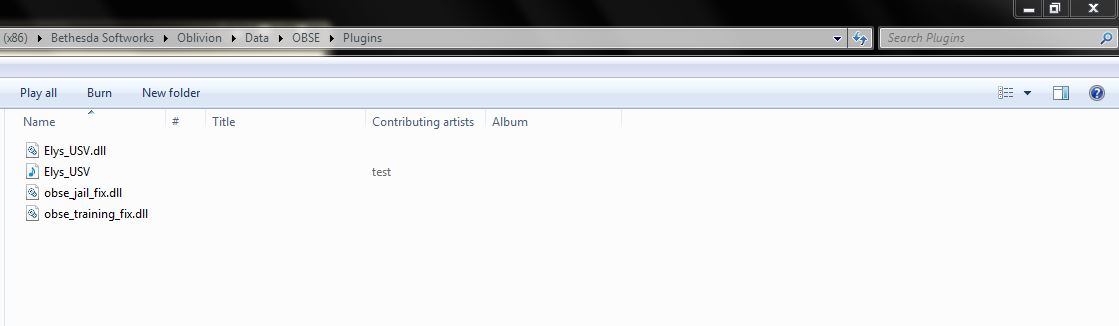
Install xOBSE separately. Installation instructions for xOBSE and most OBSE / xOBSE plugins are included in their archive folders or readme files. Follow those instructions carefully.
Recommended Tools
- Wrye Bash - Recommended for installing legacy resource archives, managing installers, and creating a Bashed Patch when needed.
- Wrye Bash Releases - Current release downloads.
- LOOT - Recommended for automated load-order sorting and load-order warnings.
Installing Morroblivion Version 68 and Newer
Expand
Notice: Version 68 and newer use the current Morroblivion installer workflow. The legacy screenshot-based instructions below are useful for context, but they are outdated for v68 and newer.
- Download the current Morroblivion installer from the Morroblivion Project Release page.
- Extract the installer archive, then run the installer.
- The installer will detect your legal Morrowind and Oblivion installations before deployment.
- When prompted, select your Morrowind and Oblivion installation directories. Select the main game folders, not the Data folders.
- When prompted for the Morroblivion installation directory, select your Oblivion directory for a direct install, unless you are using a managed mod setup that requires a different staging directory.
- Install xOBSE separately, then install any OBSE / xOBSE plugins required by the Morroblivion options or add-ons you enable.
- Use Wrye Bash, LOOT, or another Oblivion-aware mod manager to review your plugin list and load order.
- Launch Oblivion through xOBSE after installation.
Patch Notice: Morroblivion version 68 currently does not use separate patch files. The associated v67 patches 1-3 are for version 67 only and are already included in v68.
Installing the Morroblivion Master - Version 67 and Older
Notice: This section is for Morroblivion version 67 and older. The installer text may differ slightly from the screenshots because the images are legacy examples.
Expand
-
Download the master file installer for the version you are installing from the Project Release thread or its archive section. Extract the executable, launch it, and follow the on-screen prompts.
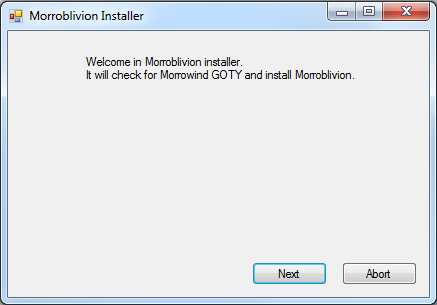
-
Select your Morrowind and Oblivion directories. Use Browse if needed. Select the main game folders, not the Data folders.
Example: Select
C:\Oblivion, notC:\Oblivion\Data.Once the installer detects both games, select Next.
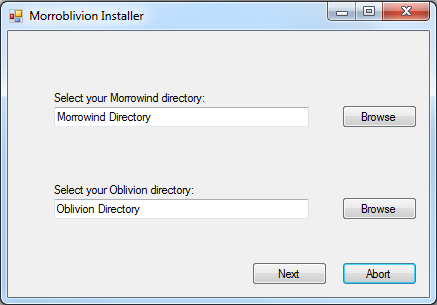
-
[insert success image]
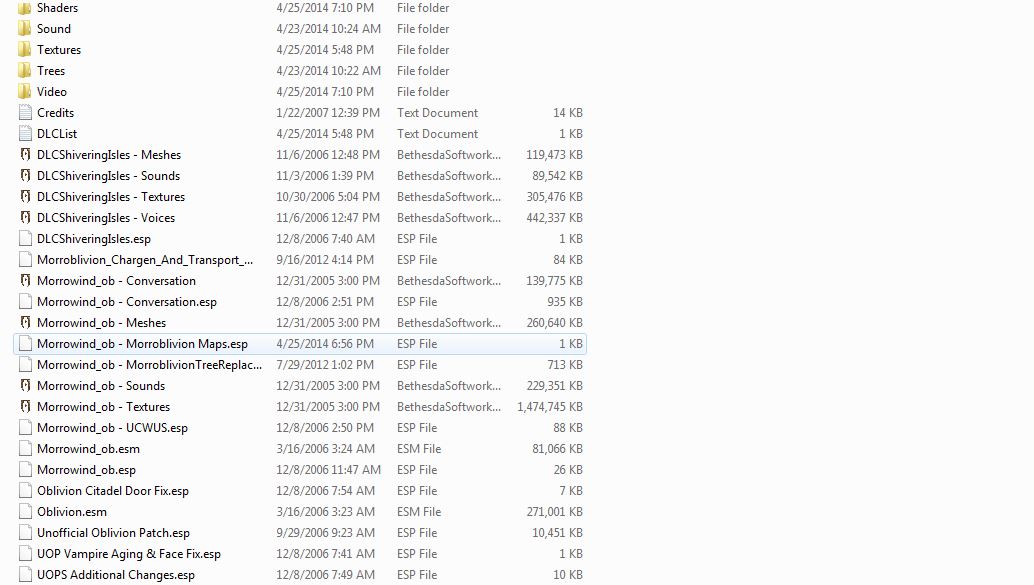
When the installer reports Success, Morroblivion has been installed to your Oblivion Data folder. Verify that Morrowind_ob.esm is present in:
Oblivion\Data\Morrowind_ob.esm
Installing Resources with Wrye Bash - Version 67 and Older
Expand
Download the resource archive for the version you are installing from the Project Release thread or its archive section.
-
Download and install Wrye Bash. Wrye Bash is a mod-management tool used to manage Oblivion installers, plugins, and load-order workflows.
-
Launch Wrye Bash and open the Installers tab to initialize Bash Installers for the first time.

-
Wrye Bash usually creates an Oblivion Mods folder at the same directory level as your Oblivion folder.
Example: If Oblivion is installed at
C:\Oblivion, Wrye Bash may create:C:\Oblivion Mods\Bash InstallersPlace the Morroblivion resource archive into the Bash Installers folder. Do not manually unpack it first unless your setup specifically requires that.
-
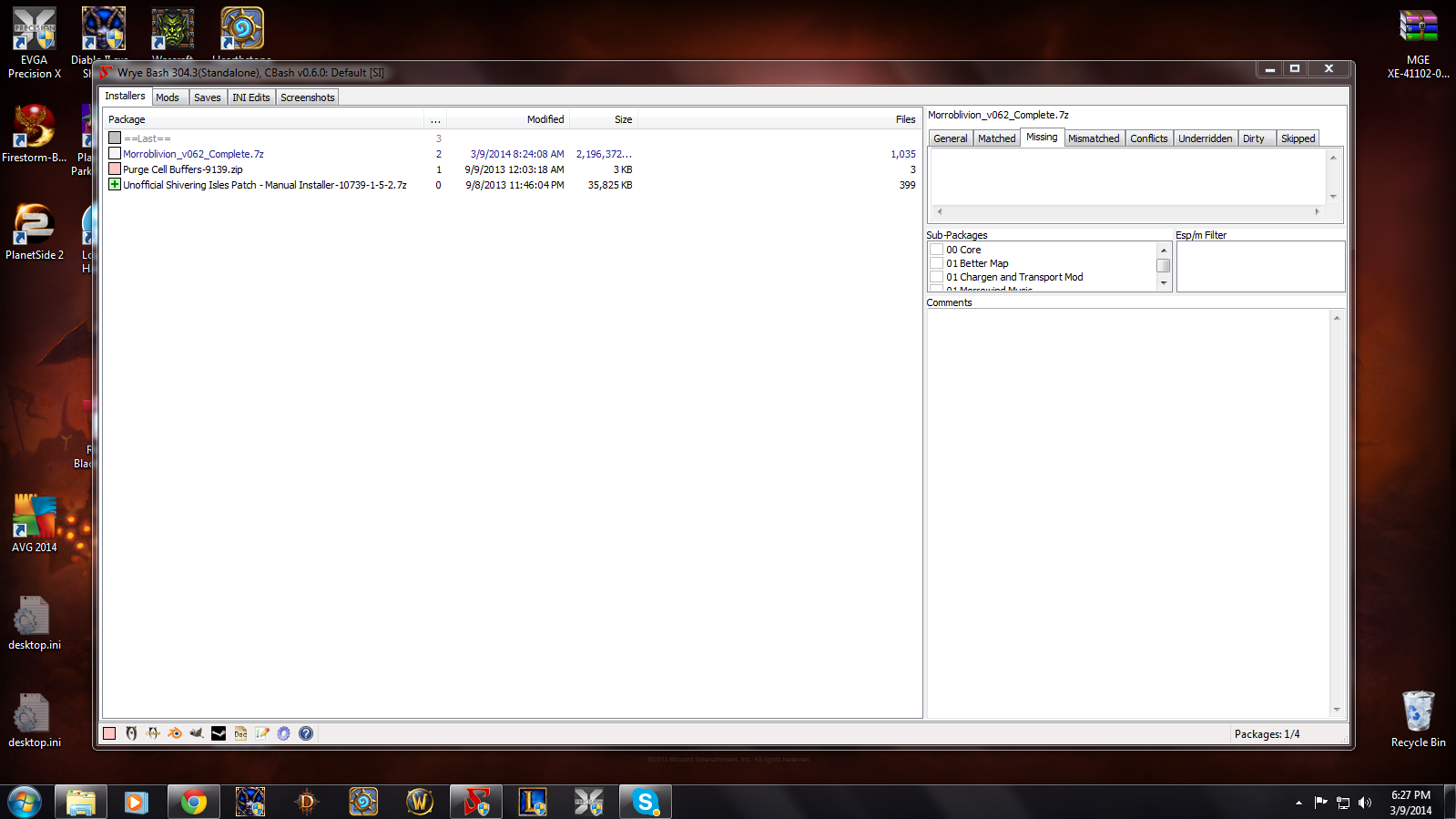
Return to the Installers tab in Wrye Bash. If the archive was placed correctly, it should appear in the package list on the left.
Select the Morroblivion archive. The sub-packages will appear in the center pane. Always install 00 Core. Optional packages are prefixed with 01.
Detailed descriptions of optional packages are available in the Project Release thread.
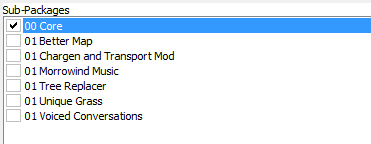
Right-click the Morroblivion archive and select Install.
Troubleshooting: Missing textures, yellow placeholder objects, or falling through the starting ship usually means the 00 Core resources were not installed correctly or were not installed into the correct Oblivion Data path.
Installing Resources Manually - Version 67 and Older
Expand
Download the resource archive for the version you are installing from the Project Release thread or its archive section.
-
Open or extract the Morroblivion resource archive. For legacy versions, you should see folders similar to the following:
- 00 Core
- 01 Chargen and Transport
- 01 Morrowind Music
- 01 Oblivion Trees - Morroblivion Tree Replacer
- 01 Poster Map - Morroblivion Better Map
- 01 Voiced Conversations
-
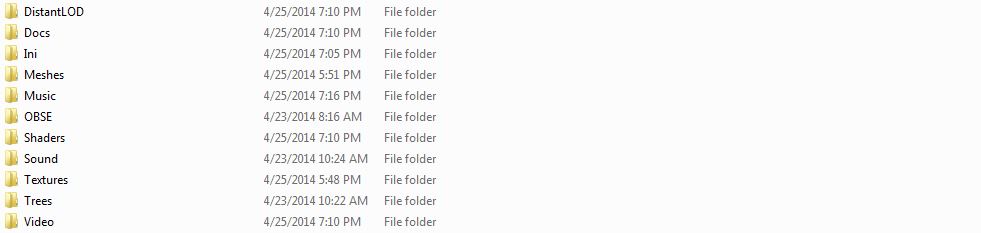
Open the 00 Core folder and copy all of its contents into your Oblivion Data directory:
Oblivion\DataCopy the contents of the folder, not the folder itself.
-
Repeat the same process for any optional 01 folders you want to install. These folders are optional and should only be installed if you want the feature they provide.
Updating Morroblivion and Other Patches
Notice: This section applies to version 67 and older. For version 68 and newer, do not install v67 patch files over v68 unless a current release note specifically instructs you to do so.
Expand
Version 68 and Newer
Morroblivion version 68 currently does not have separate patch files. The v67 patches 1-3 are for version 67 only and are included in v68.
Version 67 and Older
-
For Morroblivion v67, use the current patch guidance from the Project Release thread and the Dagger Galore a Patch for Morroblivion Nexus page.
-
Dagger Galore is the accumulated Morroblivion patch package for v67. It includes worldspace improvements, quest fixes, object placement fixes, landscape fixes, and other corrections.
-
Install the main file according to the Nexus page instructions. Only install optional files if the Nexus page indicates they are still required for your setup.
-
Open or extract the archive into your Oblivion Data directory, or install it through Wrye Bash. This process follows the same general workflow described in the Installing Resources Manually and Installing Resources with Wrye Bash sections above.
Lighting Note: Dagger Galore v67 lists Morrowind Lighting Overhaul-related changes as merged. Check the Nexus Files tab for the latest main and optional file layout before installing additional lighting files.
Setting Up Load Order
Expand
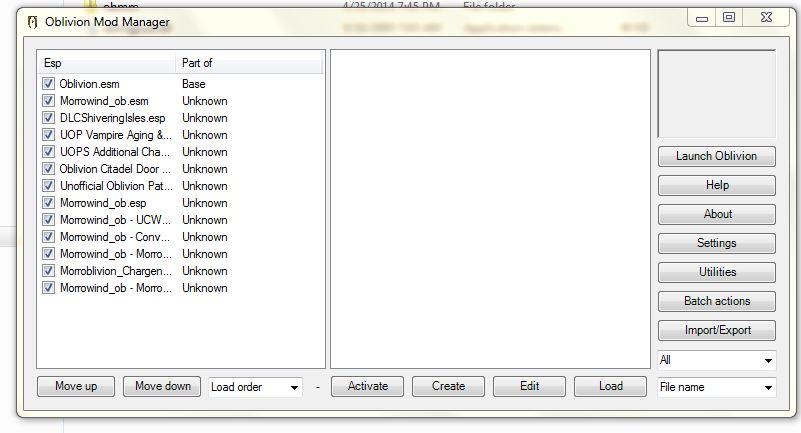
Tip: Use Wrye Bash, LOOT, or another Oblivion-aware mod manager to manage your load order. The default Oblivion Launcher can enable plugins, but it should not be used as your primary load-order management tool.
Recommended: Use LOOT for automated sorting, then review Morroblivion-specific placement notes manually.
Important: If you are not using EngineBugFixes, Morrowind_ob.esm must load directly after Oblivion.esm. EngineBugFixes removes the strict technical requirement, but keeping Morrowind_ob.esm directly after Oblivion.esm remains a safe baseline.
If you are not using EngineBugFixes, your load order should begin like this:
- Oblivion.esm
- Morrowind_ob.esm
- ... any other ESM or ESP files
General Morroblivion plugin order:
- Oblivion.esm
- Morrowind_ob.esm
- Other ESM files
- Other gameplay, worldspace, and compatibility plugins
- Morrowind_ob.esp
- Morrowind_ob - UCWUS.esp if installed
- Morrowind_ob - Conversation.esp if installed
- Morrowind_ob - MorroblivionTreeReplacer.esp if installed
- Any Morroblivion map replacers
The Project Release thread contains additional guidelines and explanations for all included files under Load Order and File Details.
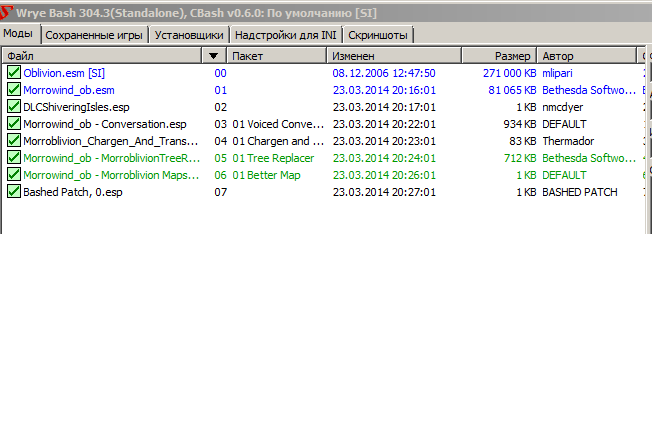
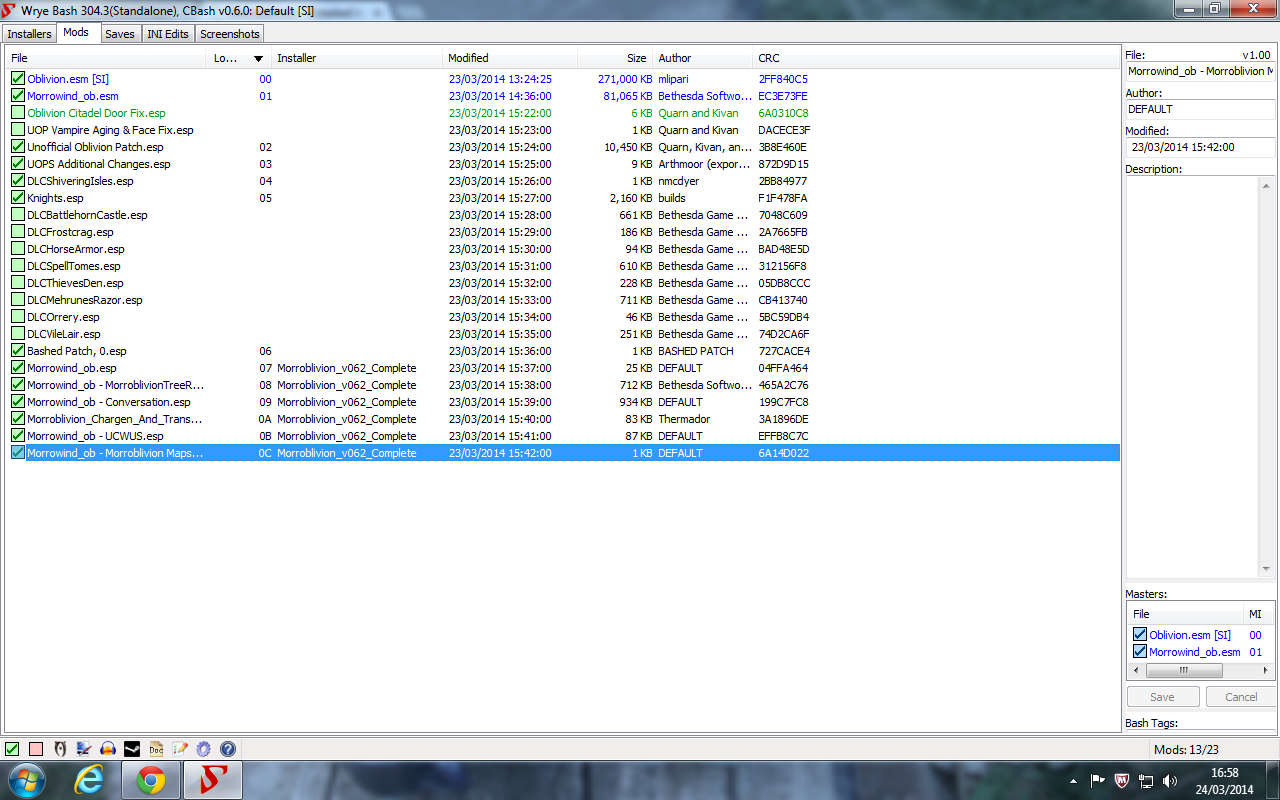
![[External image]](http://tesrenewal.com/sites/all/modules/ckeditor/ckeditor/plugins/smiley/images/sad_smile.gif)
![[External image]](http://tesrenewal.com/sites/all/modules/ckeditor/ckeditor/plugins/smiley/images/regular_smile.gif)
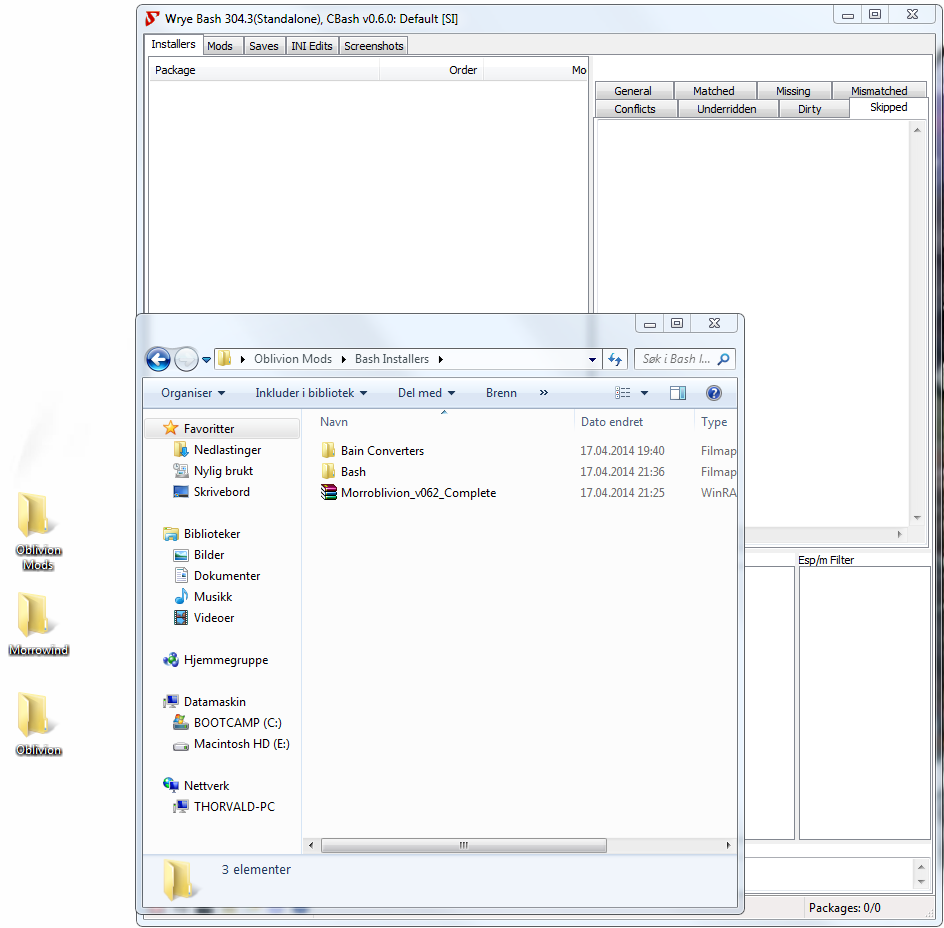
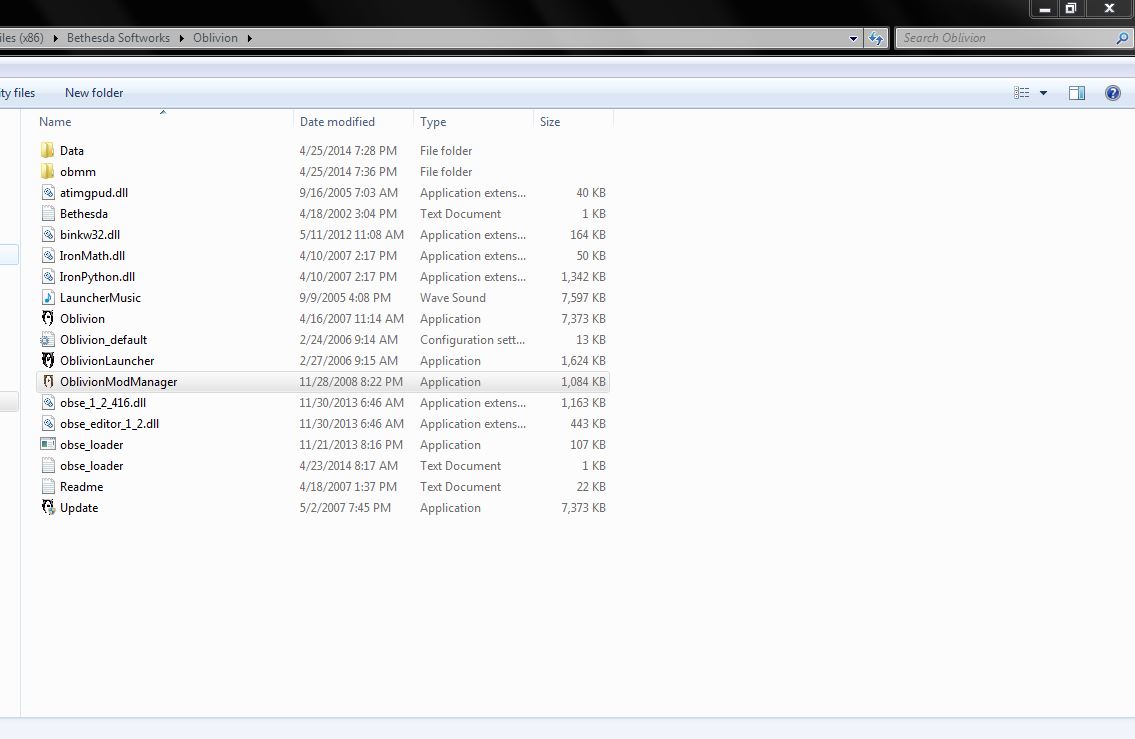
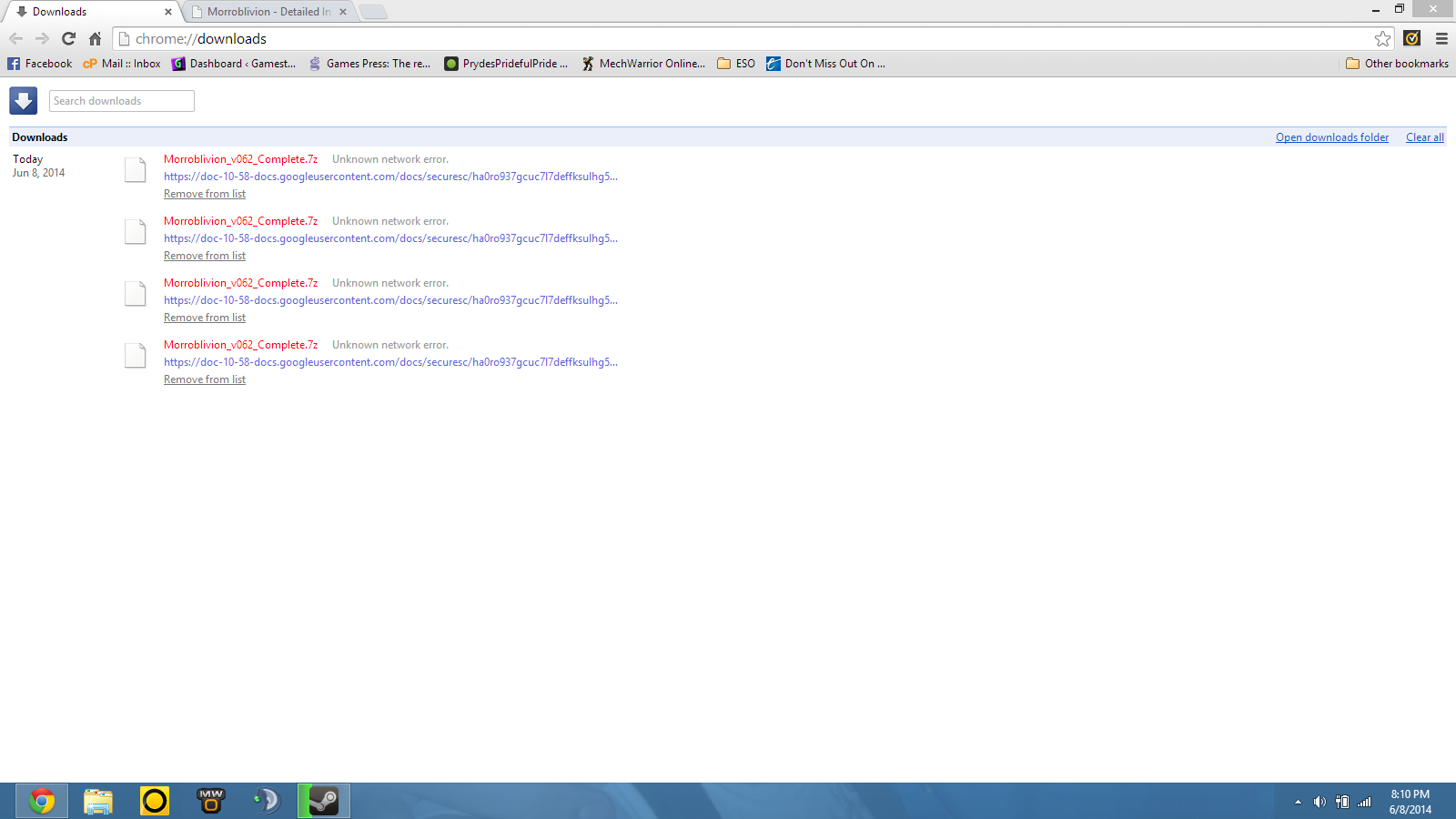
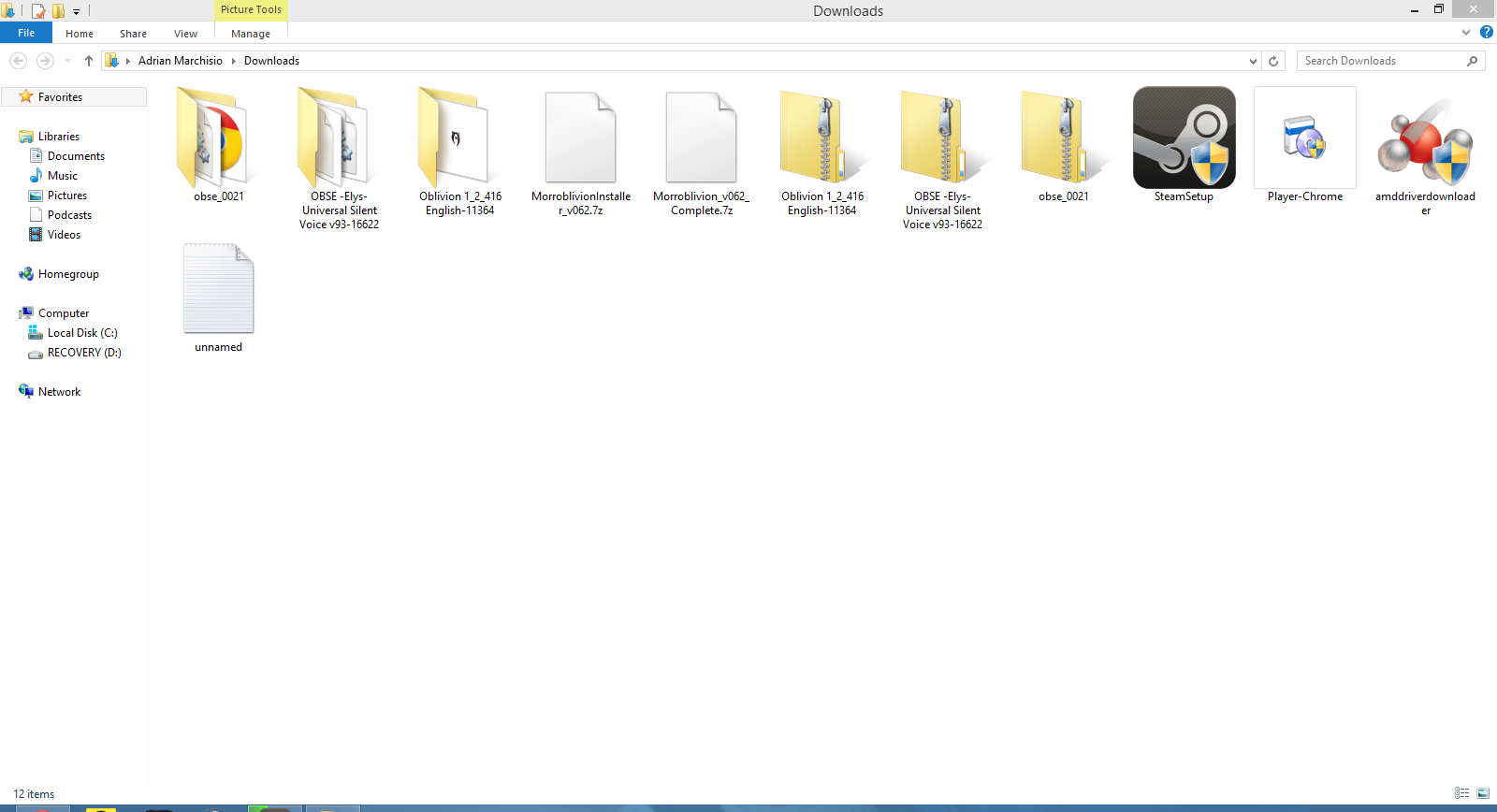
I downloaded the resource
I downloaded the resource archive from the project release thread and I have not unpacked/repacked it.